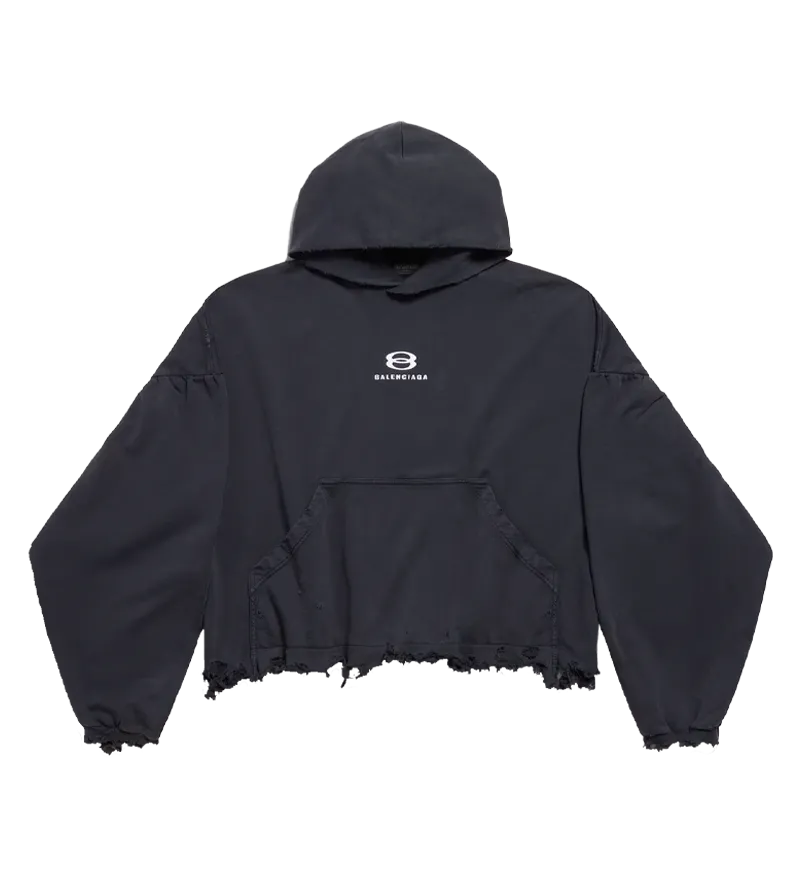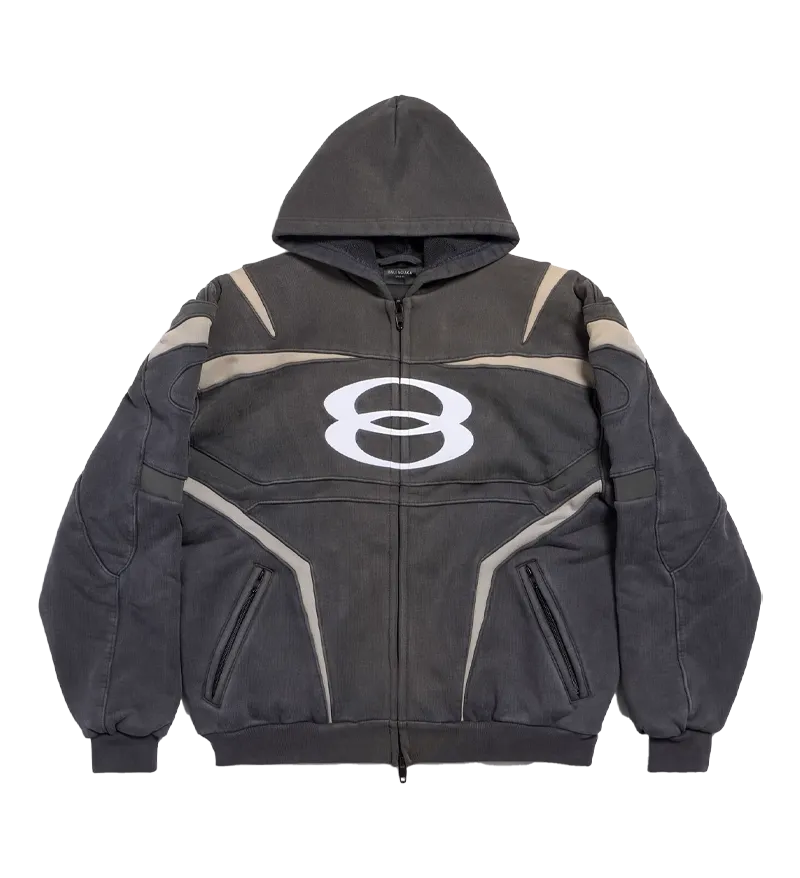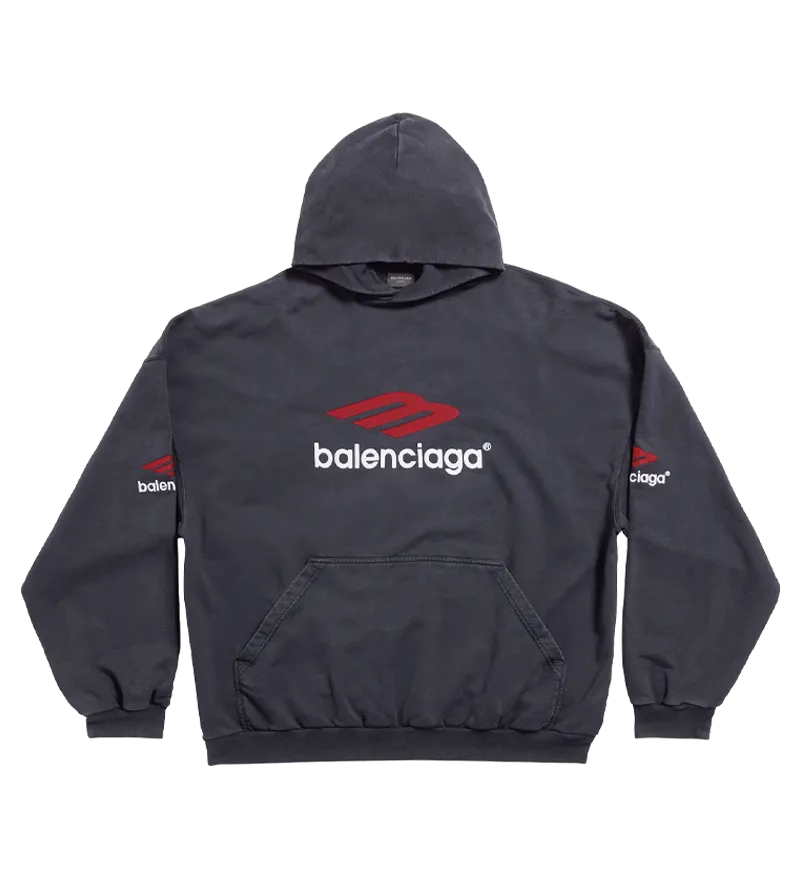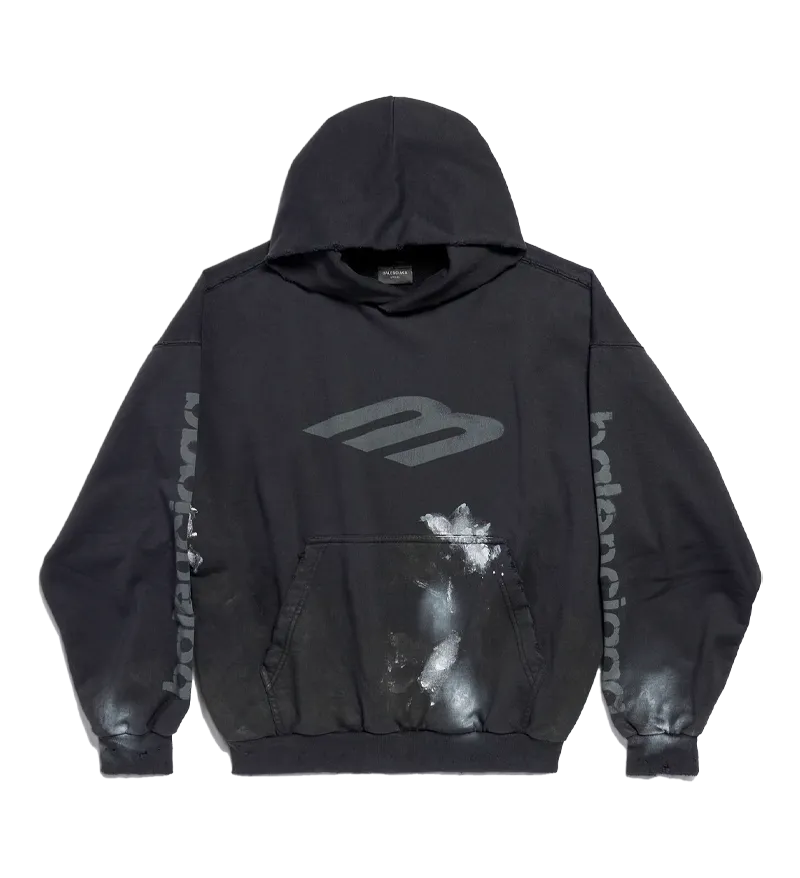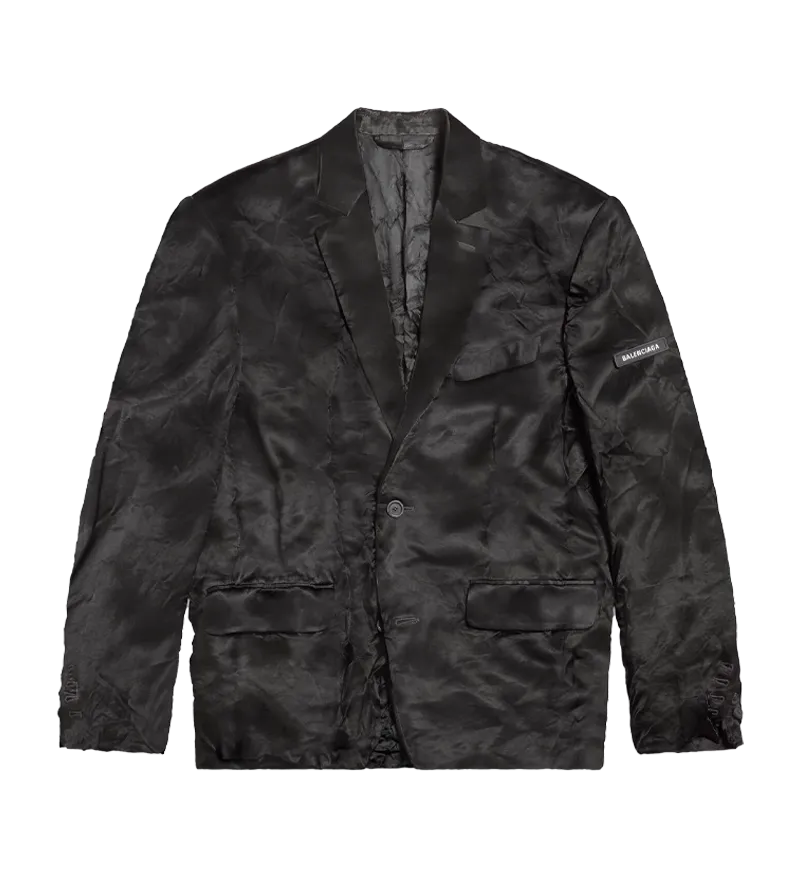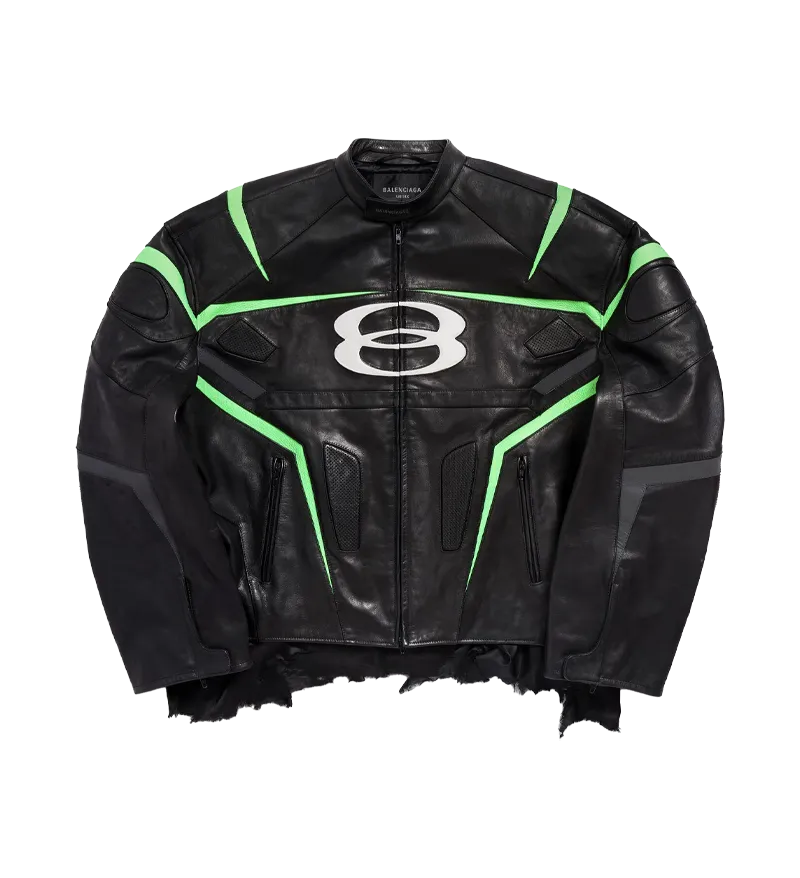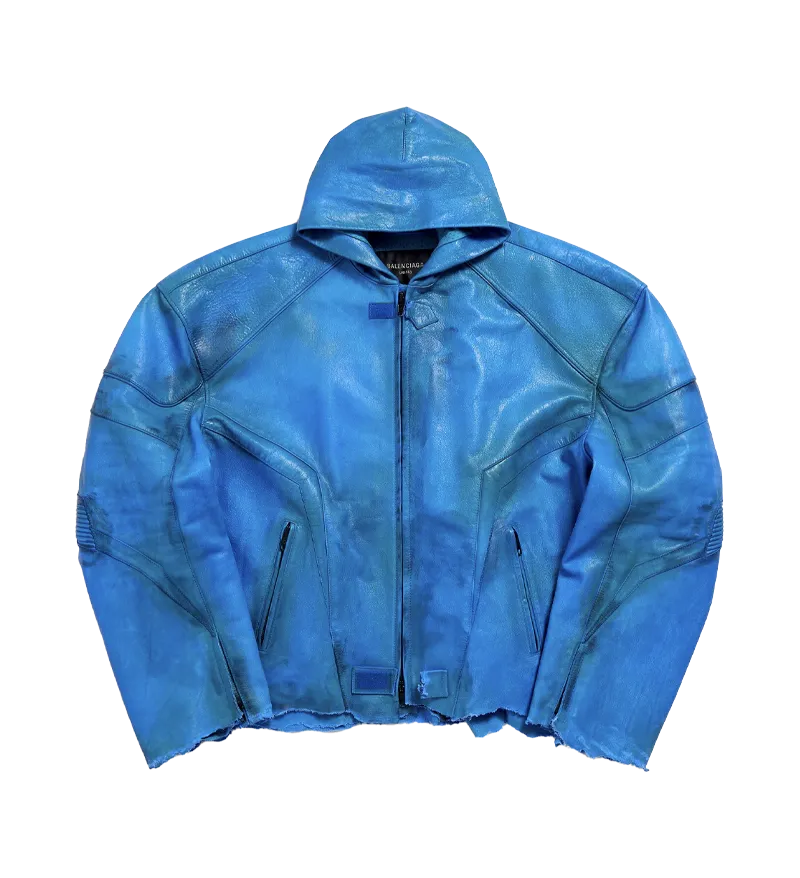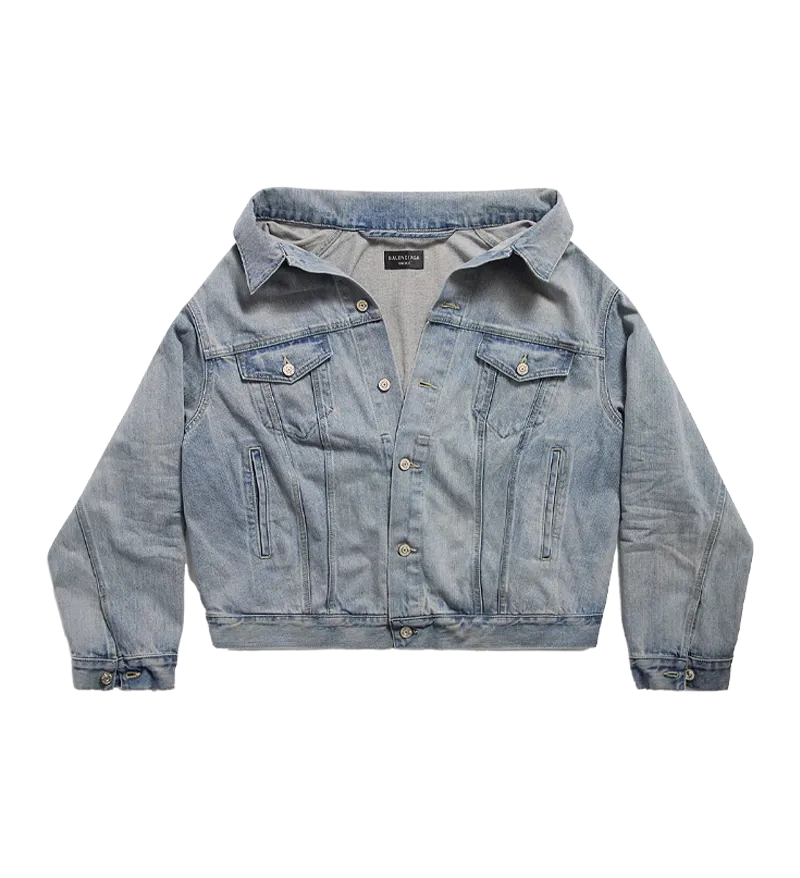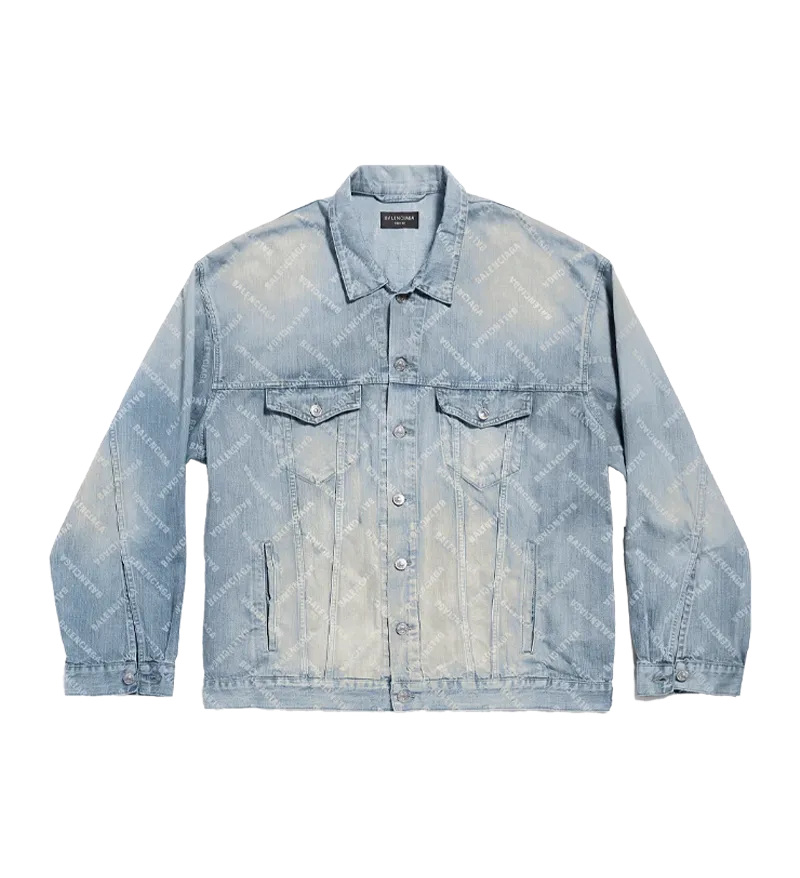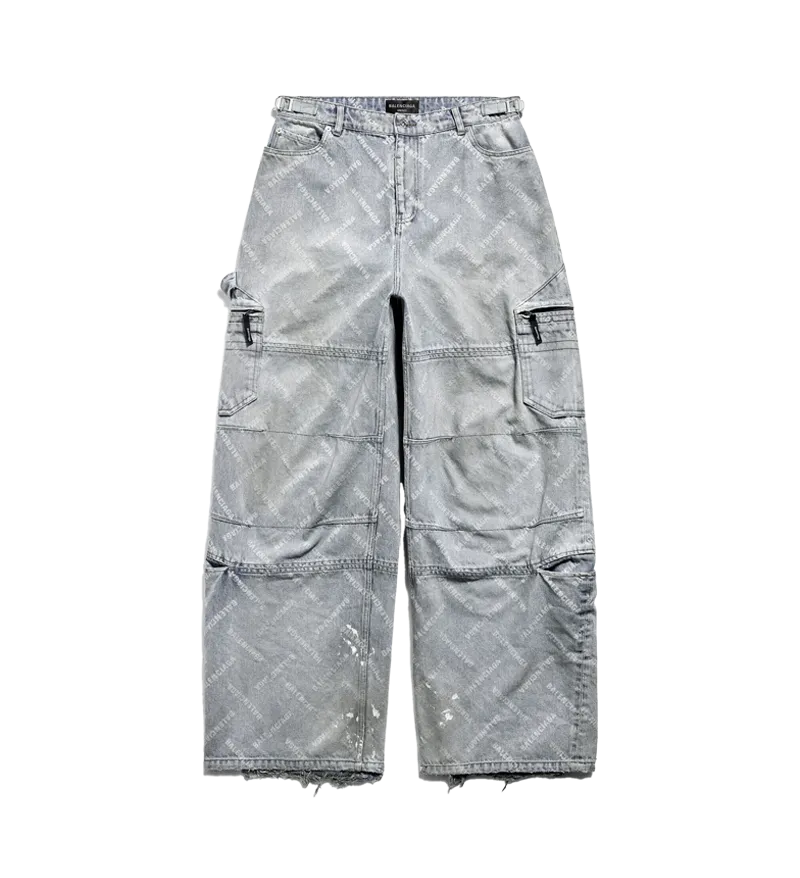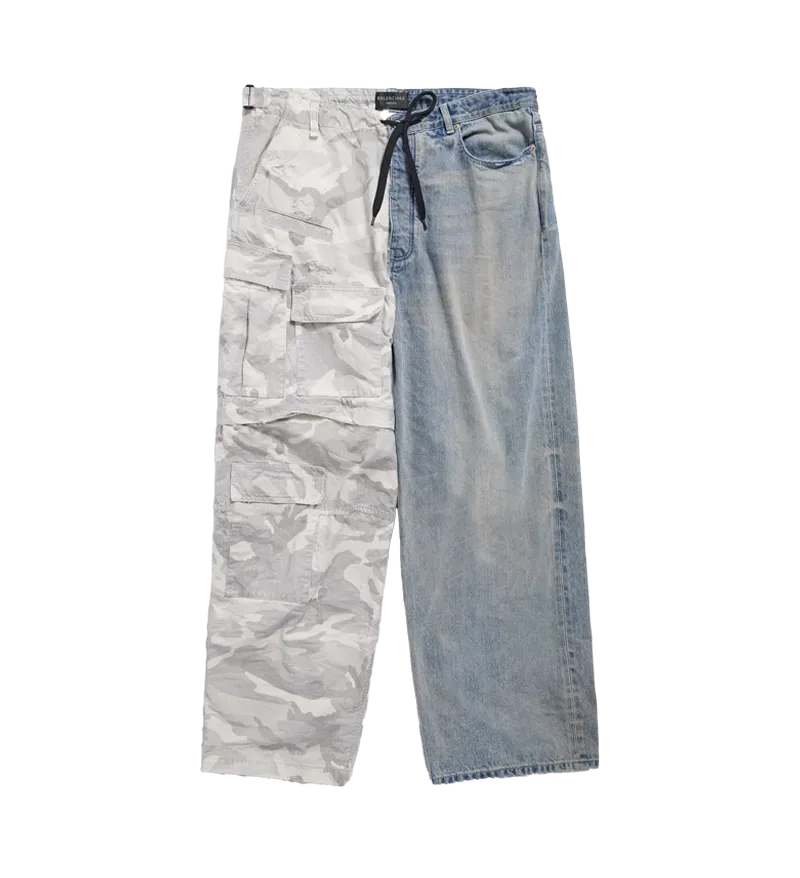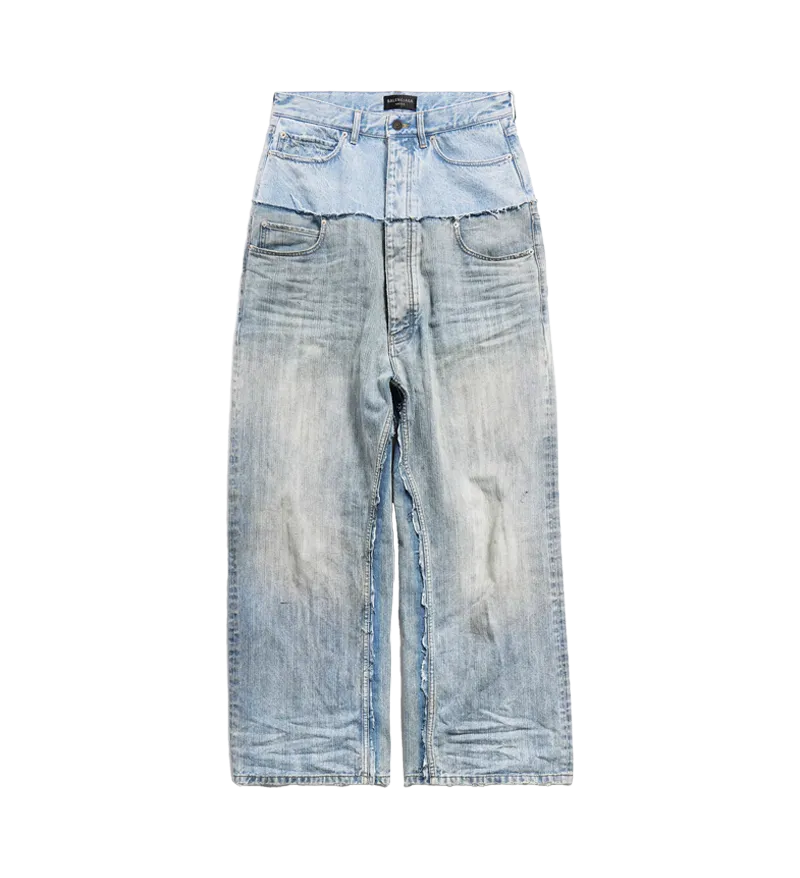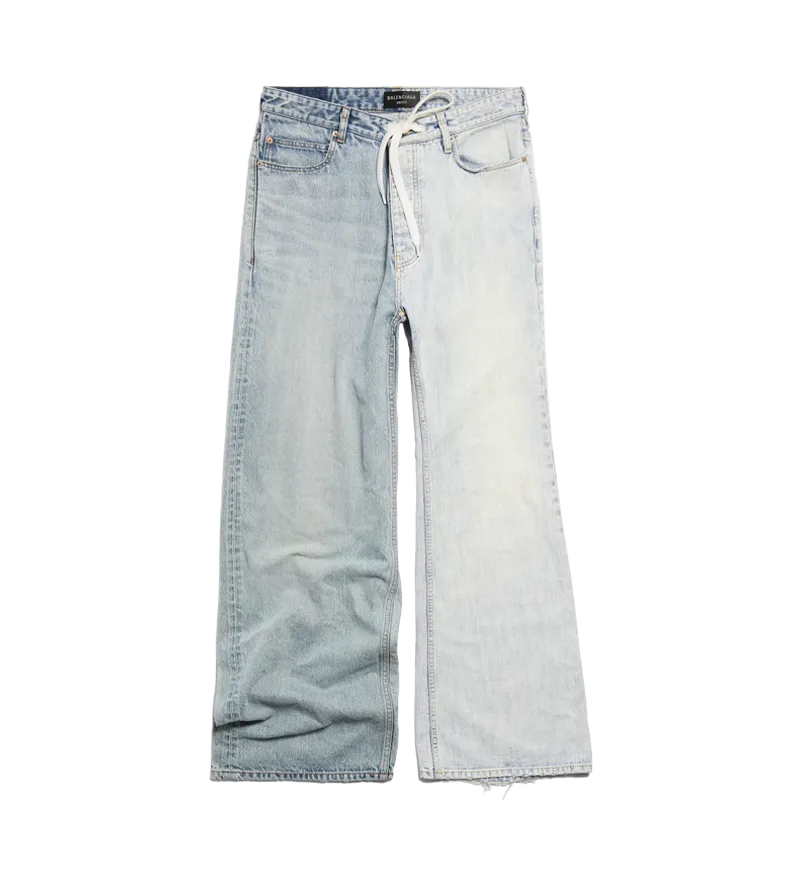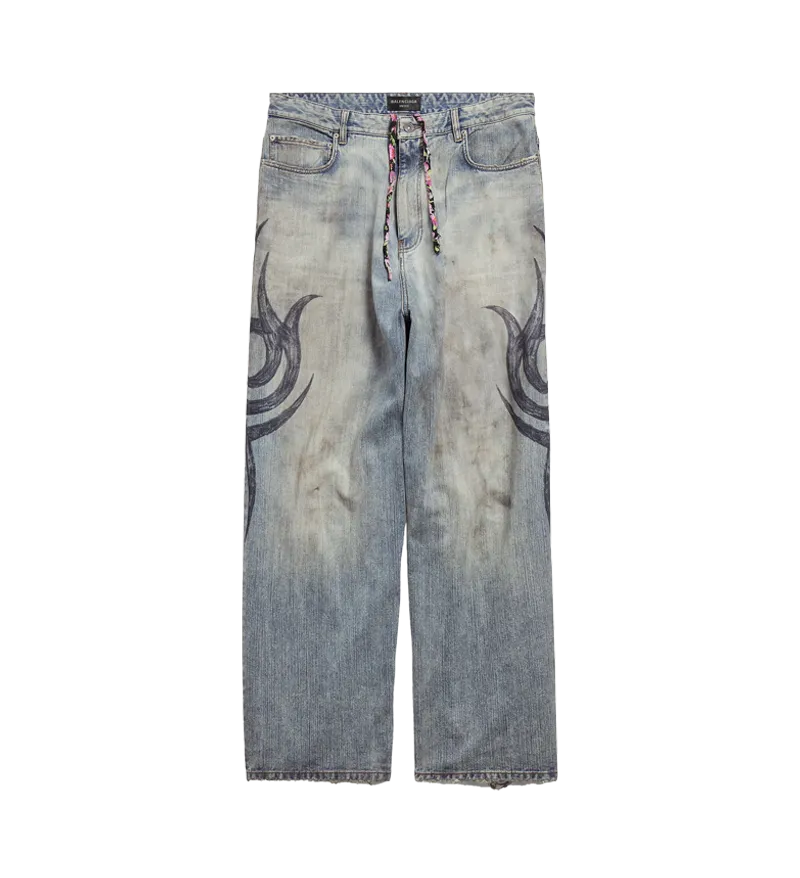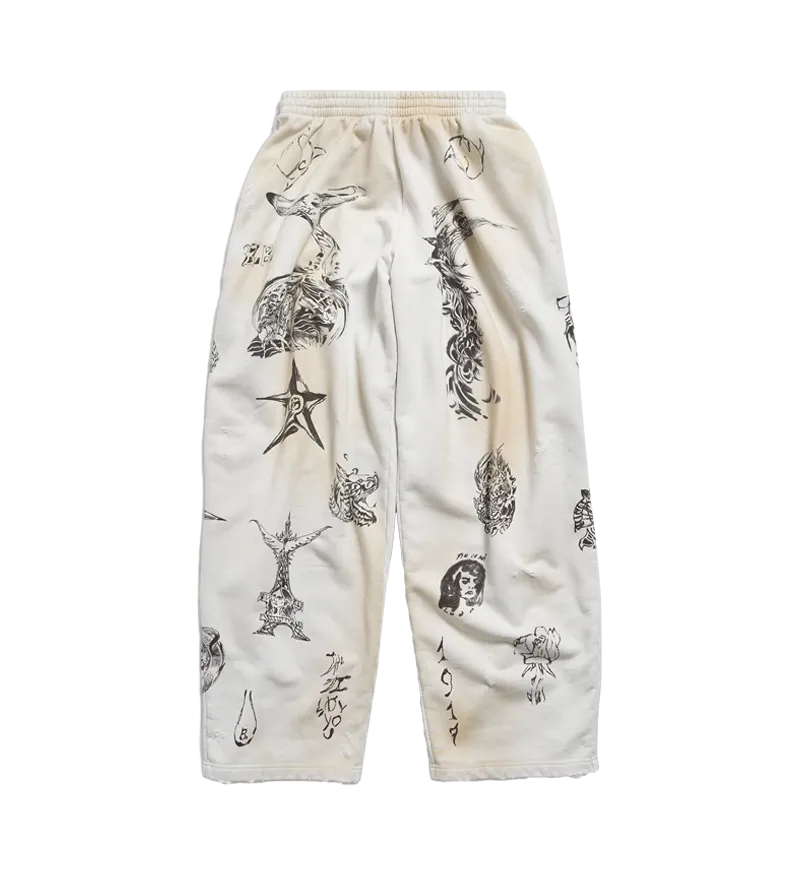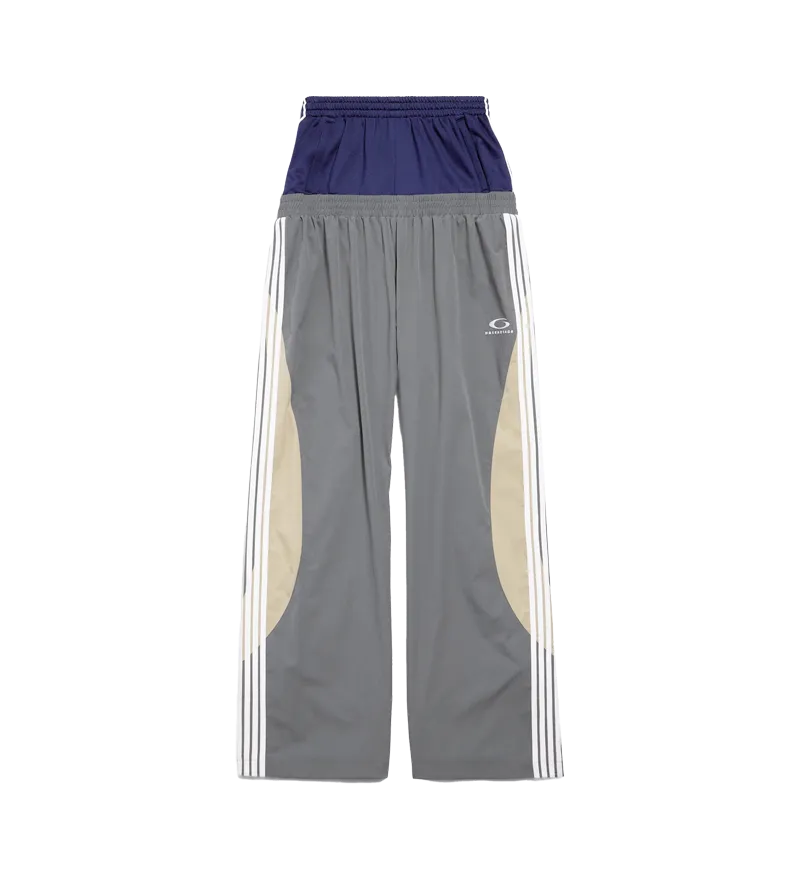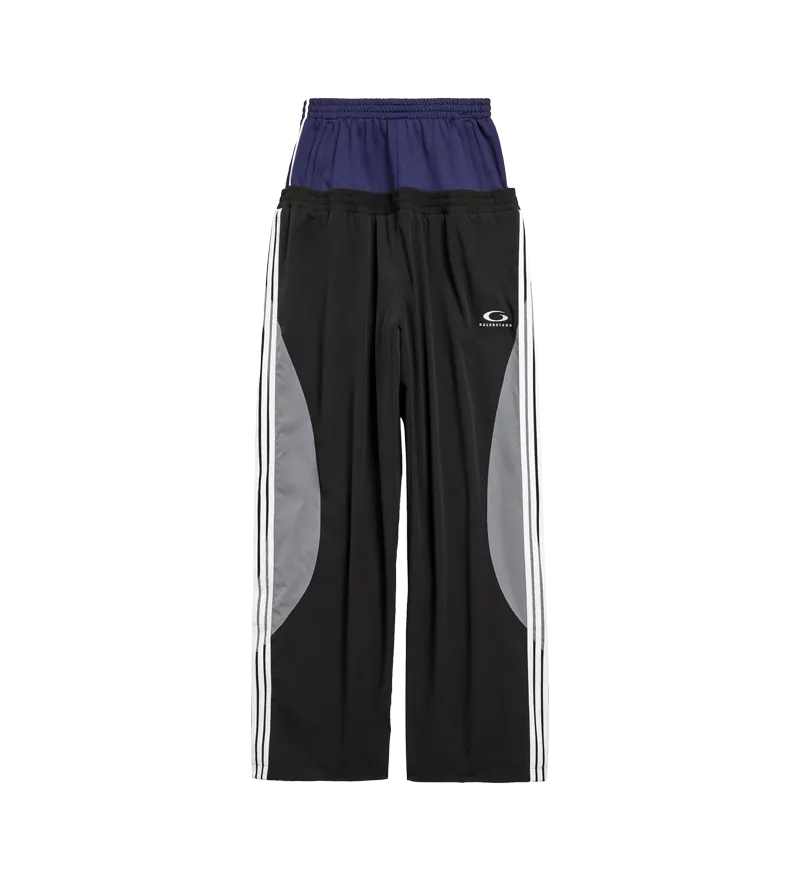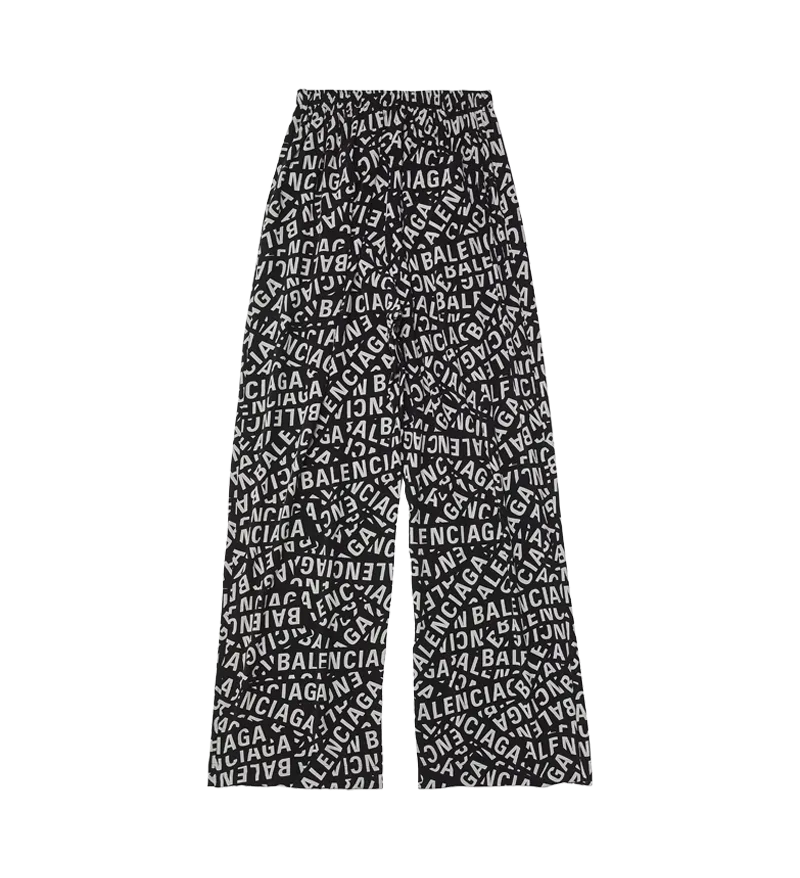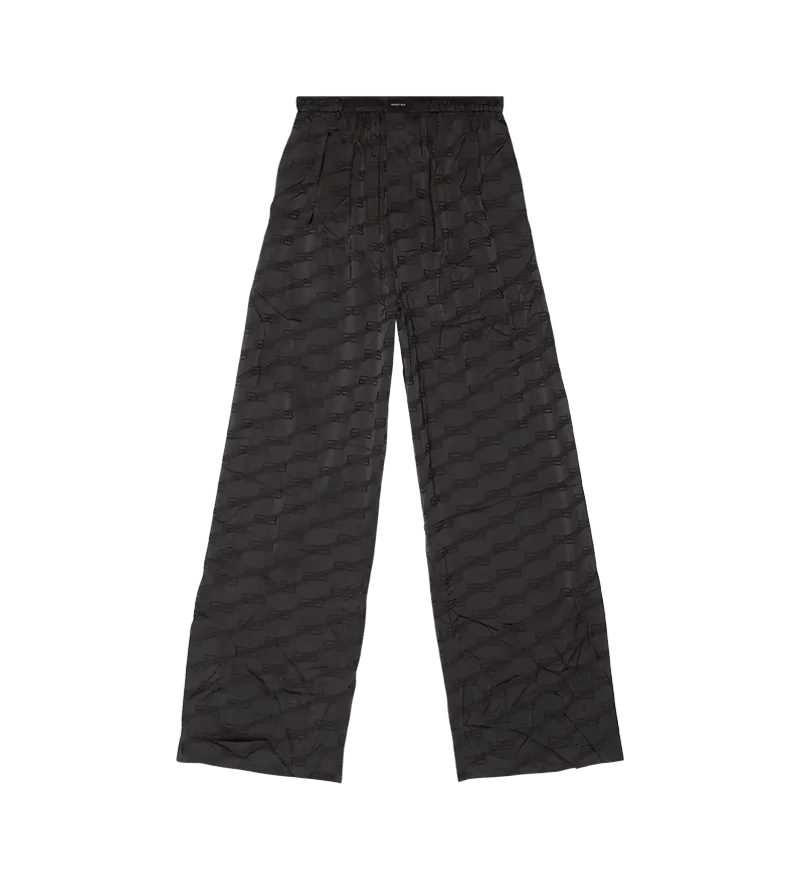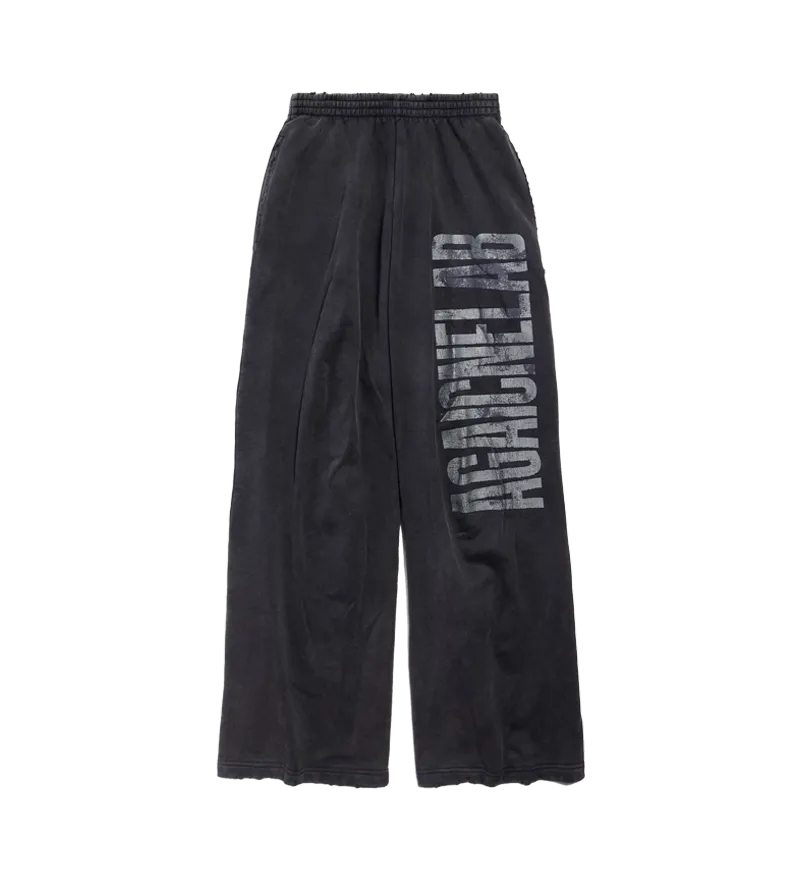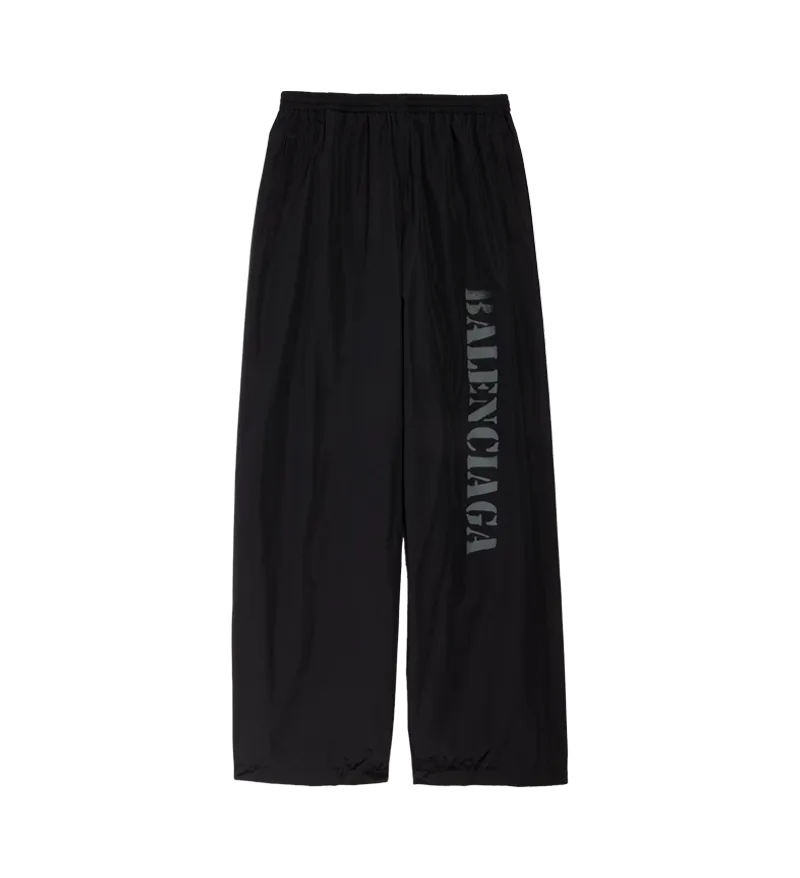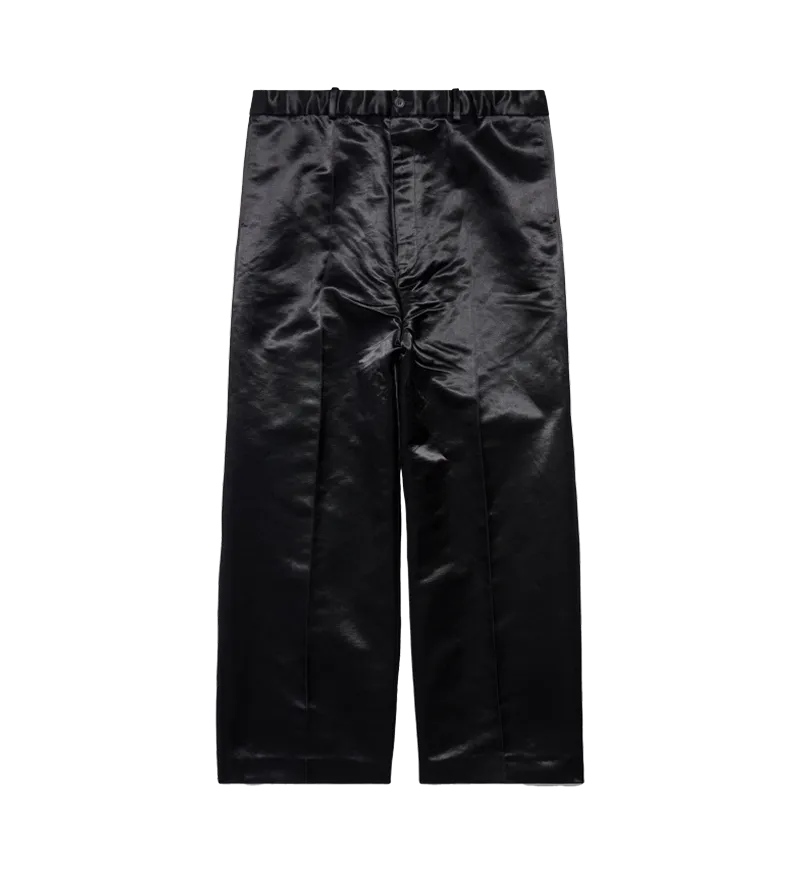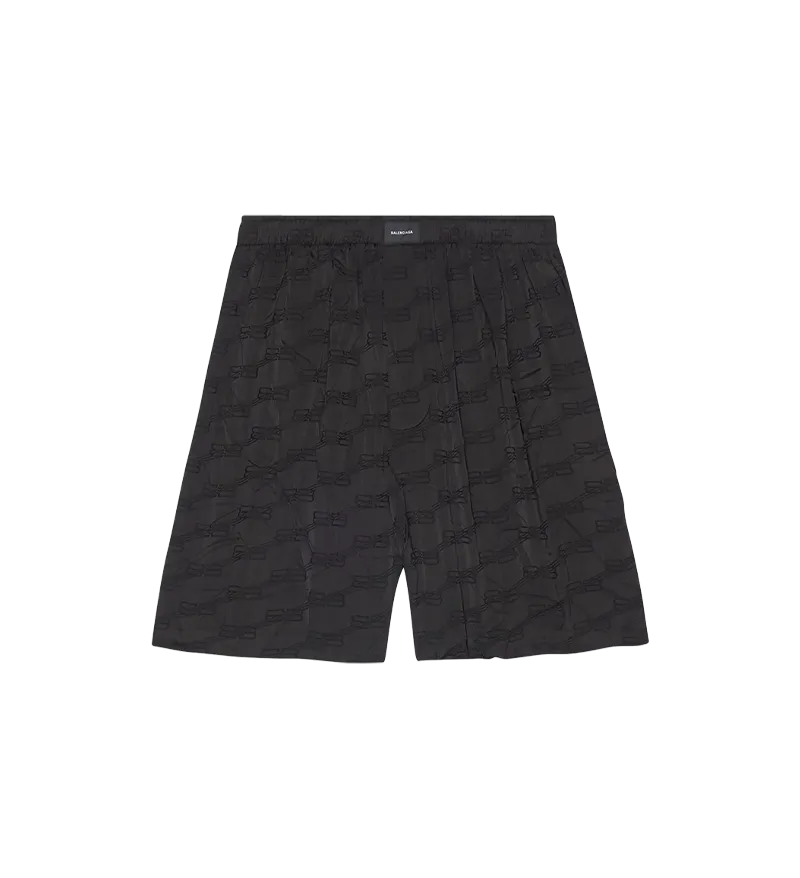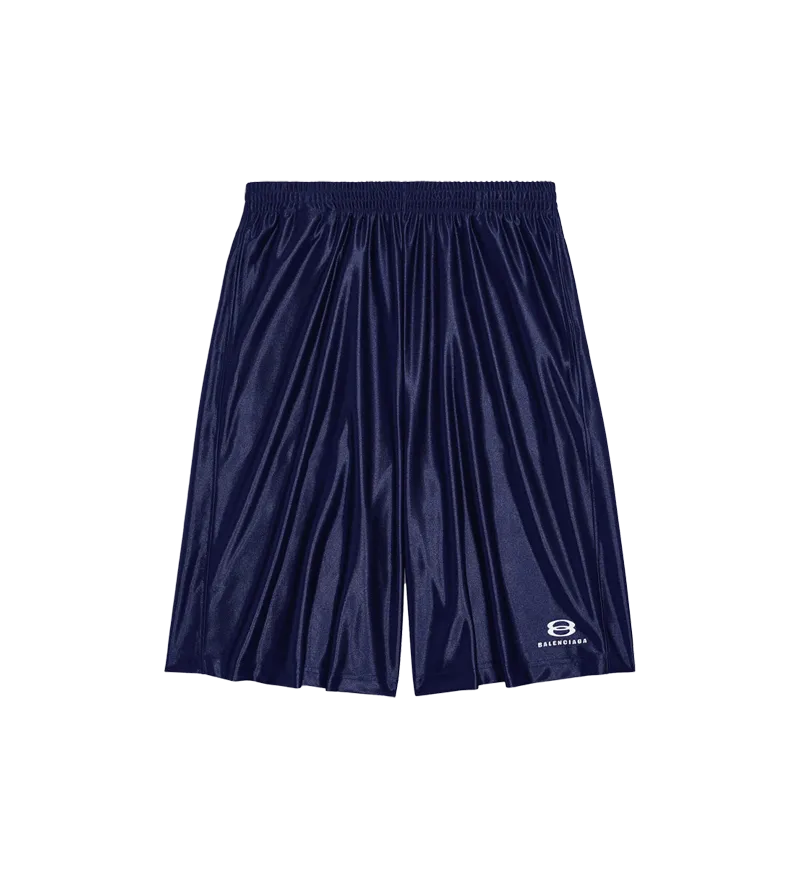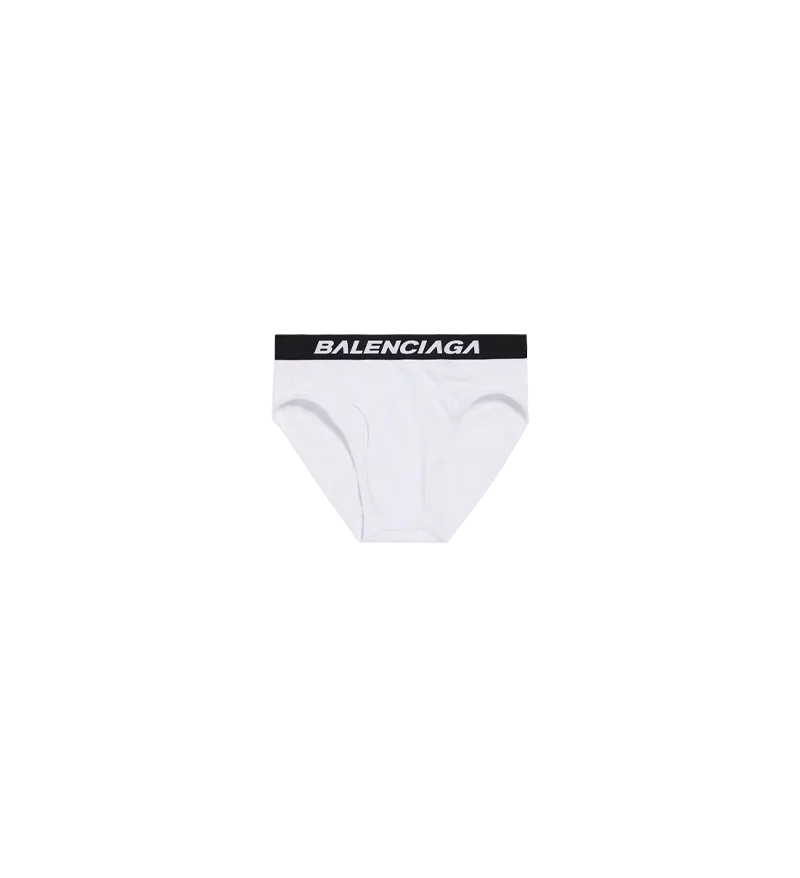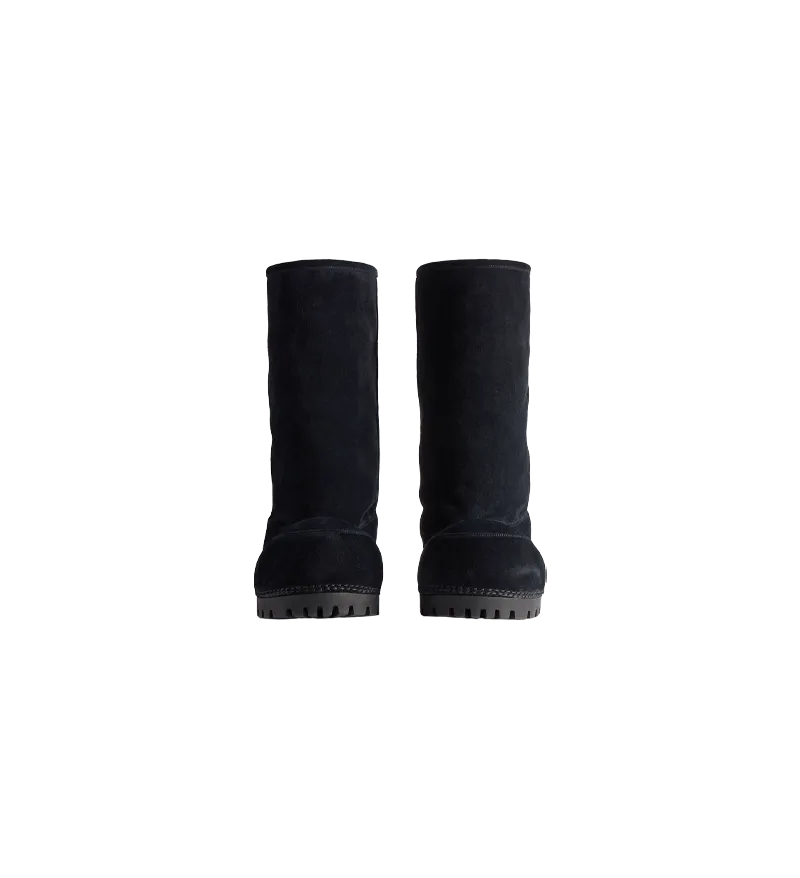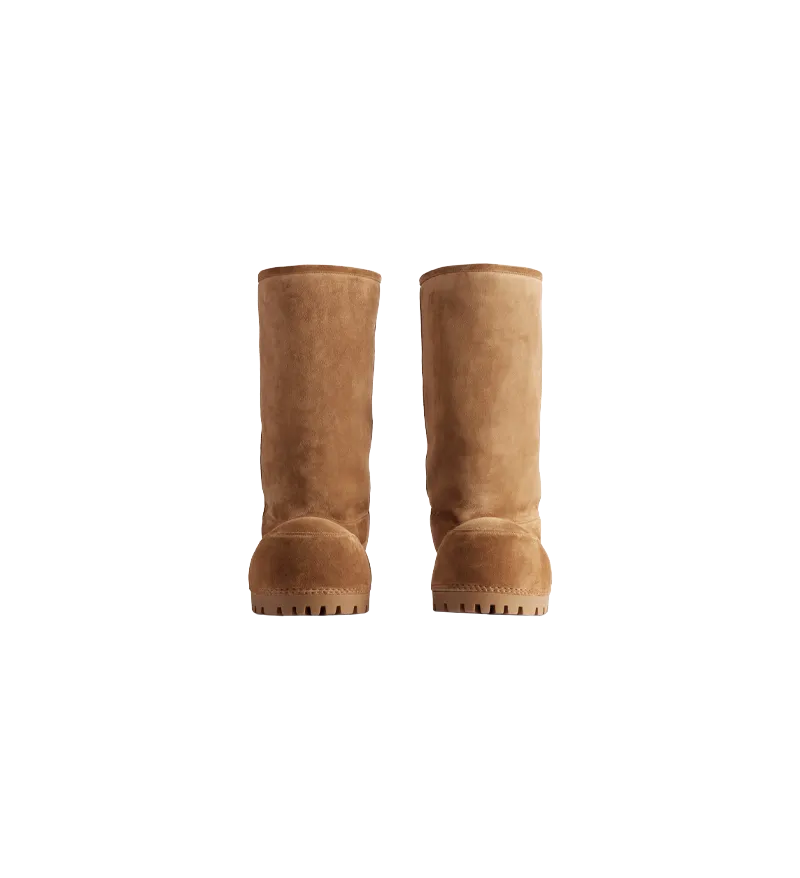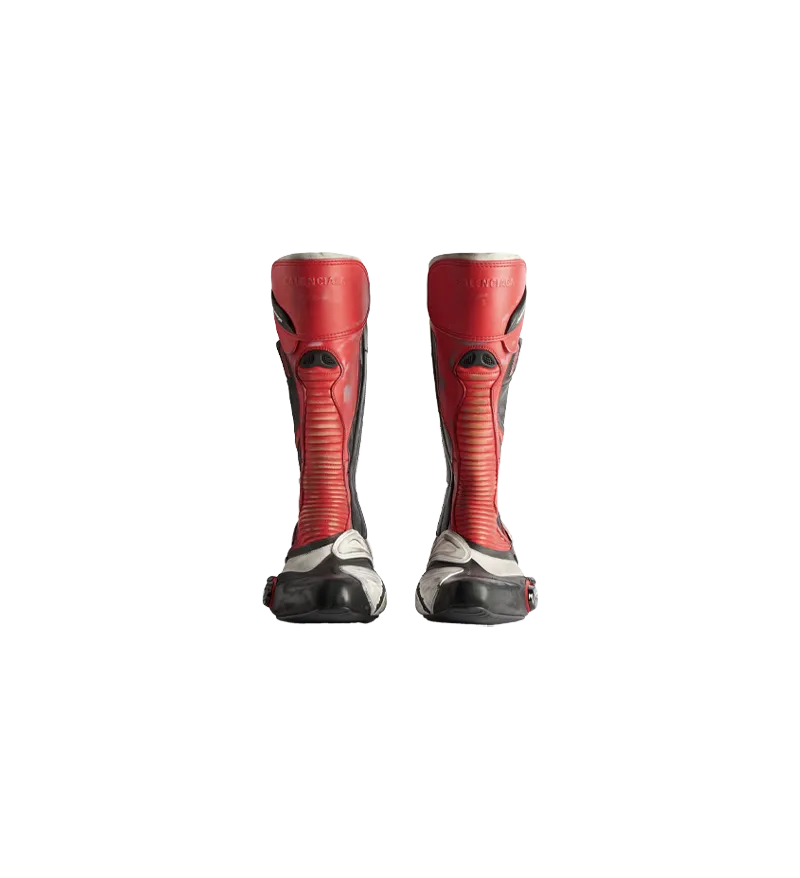
In 2018 we realized something uncomfortable. Online shopping had become predictable. Every store looked the same, every layout repeated, every product forced into the same static grid.

Nothing felt creative. Nothing felt alive.

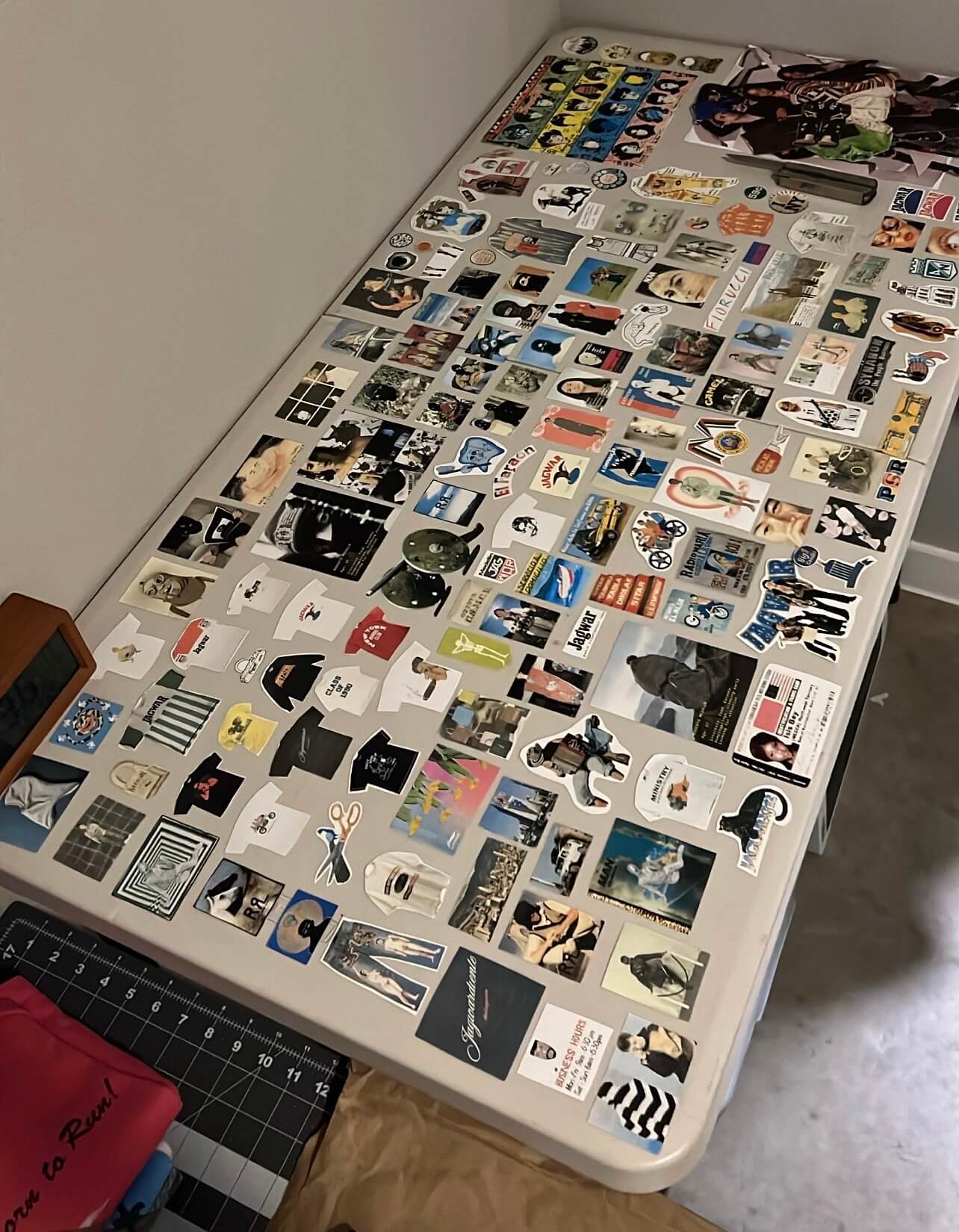
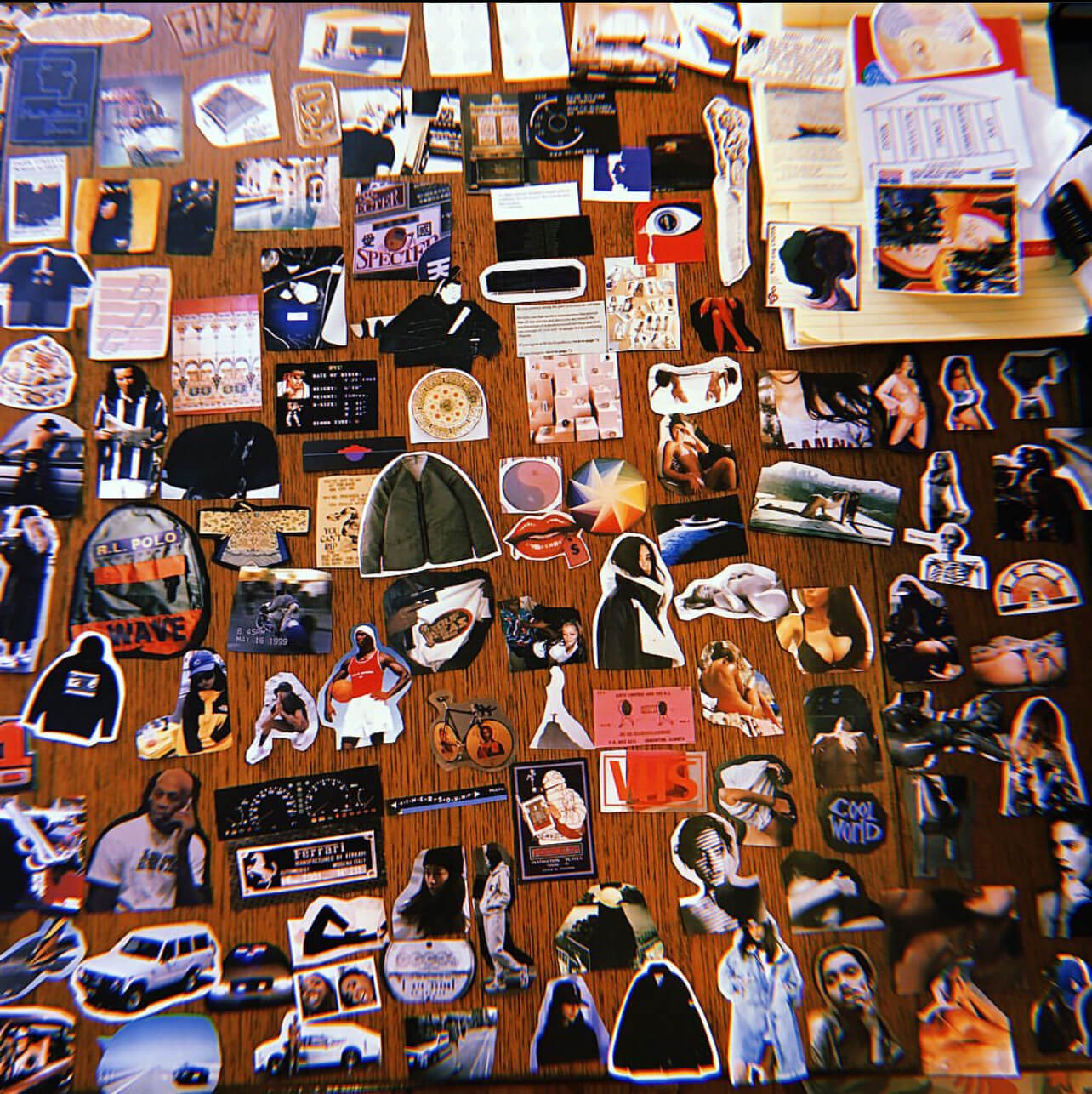
So we tried something simple. We sat on the floor with old magazines, ripped out pages, cut out outfits, and rearranged them piece by piece. No rules. No UI. Just hands and imagination. It was messy, imperfect, and strangely freeing. The more we played, the more we remembered how good it feels to build something yourself. Not just look at clothes, but interact with them. Move them. Remix them. Bring ideas to life right in front of you.

It felt personal. Natural. Almost therapeutic.

And it made one thing obvious: creativity shouldn’t be locked behind templates.

We built Outfit Builder to bring that feeling back.
In 2023, the first version of Outfit Builders went live.

People didn’t just scroll on a website. They envisioned something. They built their perfect outfits. They explored combinations. They surprised themselves. They connected with products in a way no standard layout has ever created.

For the first time, an online store felt like a place, not a page.

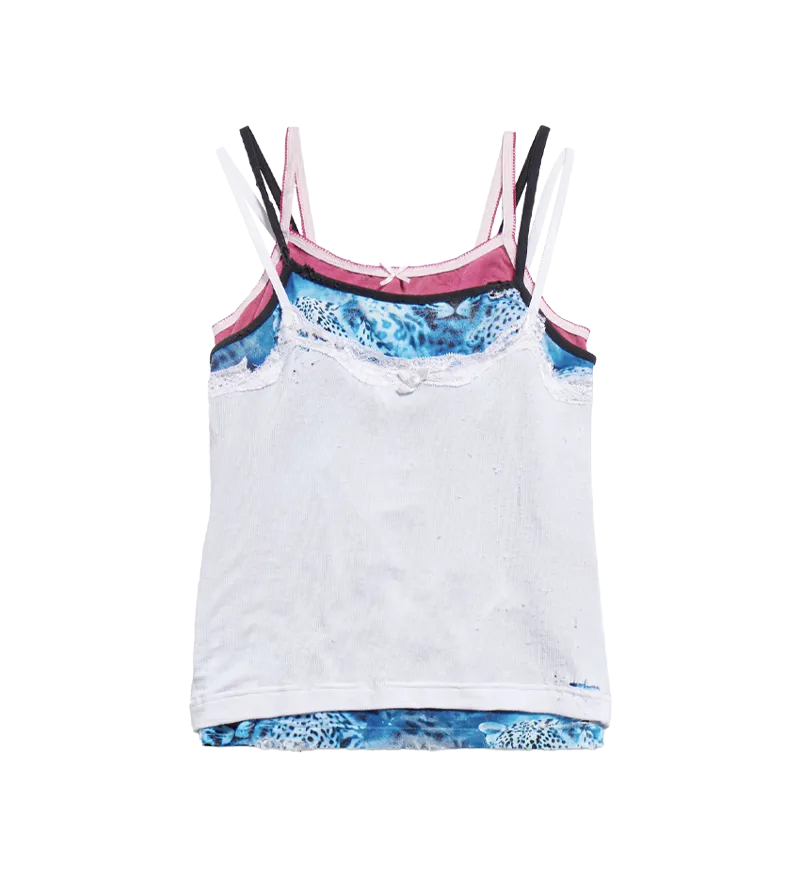
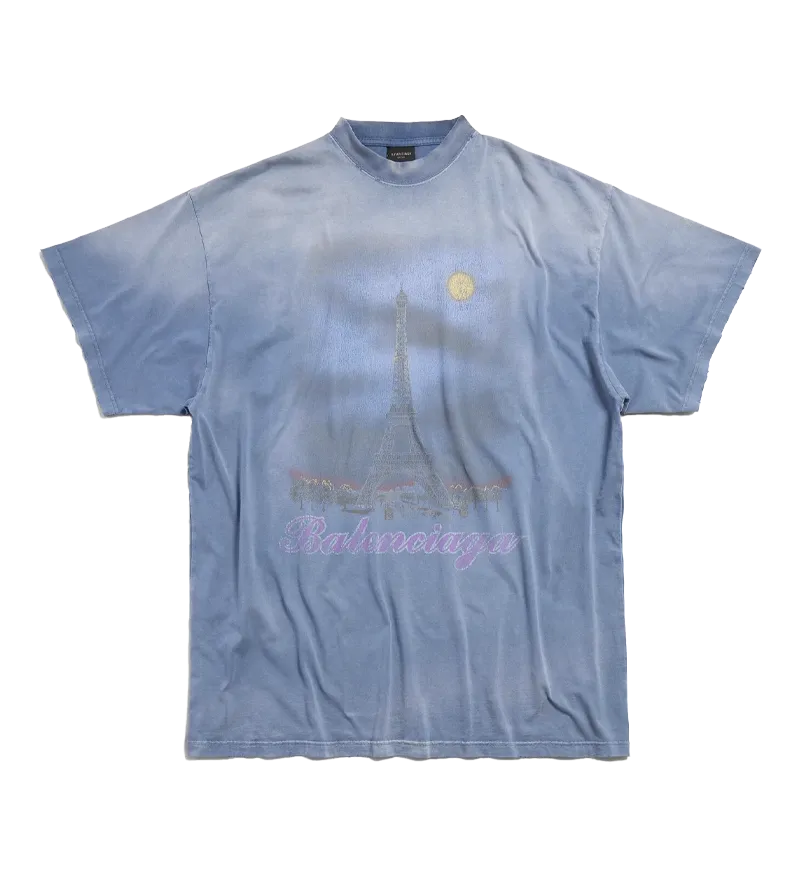
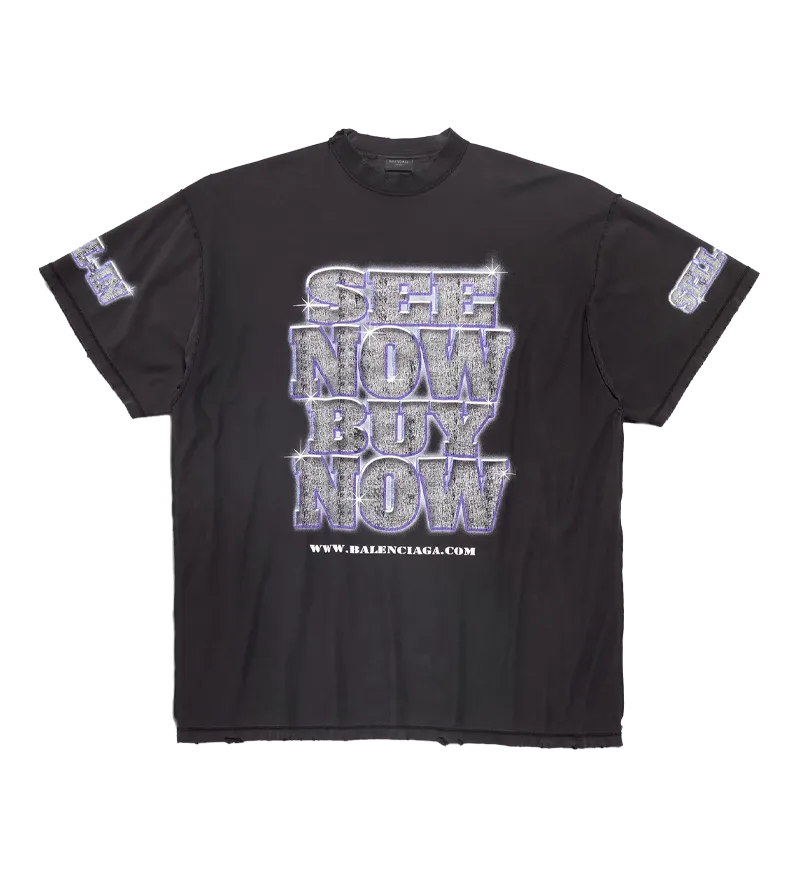
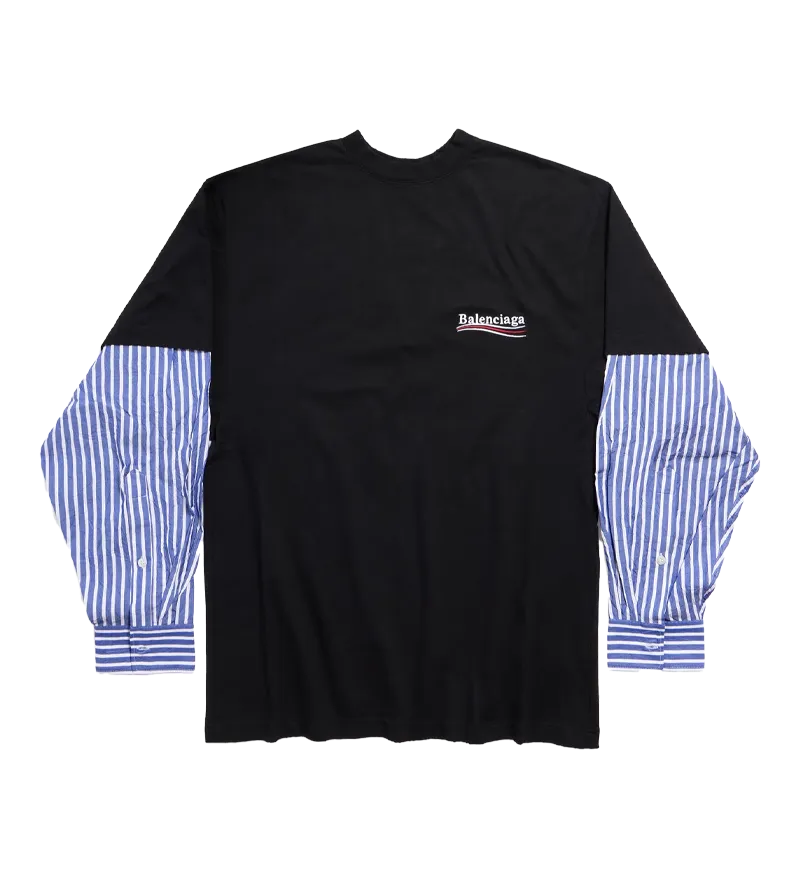
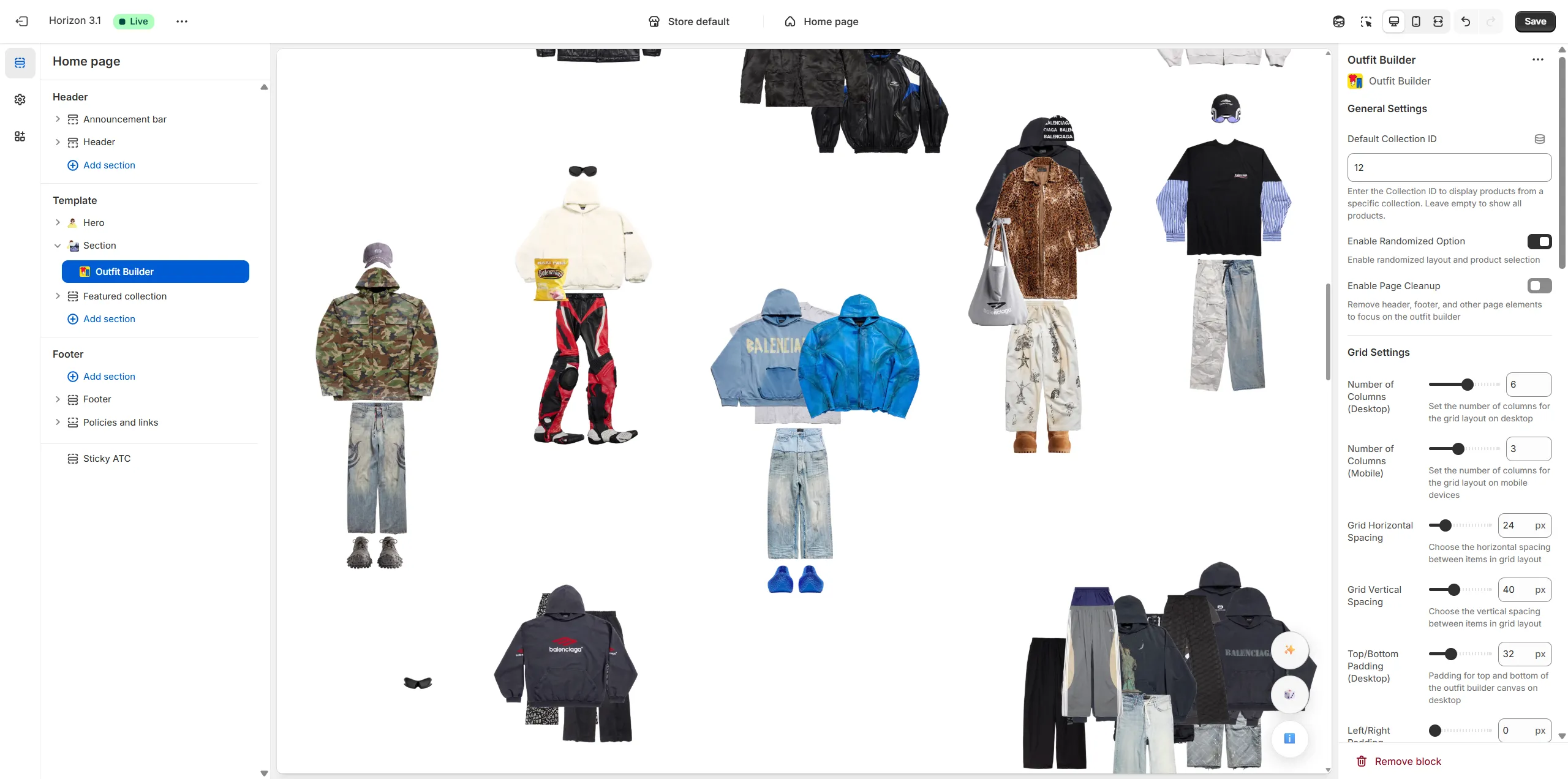
Today, the Outfit Builder is the most dynamic way to experience clothing online. Customers can drag and drop items, layer pieces, mix looks, overlap silhouettes, randomize ideas, or style directly on-body. It works on every device, even inside a headset. Every action keeps people engaged, curious, and genuinely involved.

And here’s the part that matters:

It doesn’t force “community.”
It doesn’t use fake personalization.
It simply gives people space to create... and they respond to that.

Authentic connection happens naturally when customers get to participate instead of just consume.
In 2025, we released the Outfit Builder app for Shopify to make this experience accessible to every brand and store on Shopify instantly.

No complex builds. No heavy development. Just a simple upgrade that transforms your store from passive browsing into active creativity.

This is not a theme feature.
This is not a gimmick.

It is a new shopping format that replaces templates with real interaction and real emotional pull.

If you want your store to feel alive, boundary-pushing, and genuinely connected to the people who experience it, the Outfit Builder is the tool that makes it happen.
Get the Outfit Builder app on Shopify now →
Send us a general message or support inquiry by using the Submit Ticket page link below.
Click here to submit a ticket. Instagram
@outfitbuilderapp
An 8-part F.A.Q video series that'll teach you everything you need to know about creating an Outfit Builder.
This 24-minute video explains the entire concept of what an Outfit Builder is, how it works, who it's for, how it's created, variants including 'On-Body', web hosting and maintenance, how long it takes to build, and our guarantee & refund policy.
VIEW FULL COURSE ON YOUTUBE →
In this video, we break down what an Outfit Builder is.
VIEW PART 1 ON YOUTUBE →
In this video, we break down what makes Outfit Builders so special and the benefits they offer.
VIEW PART 2 ON YOUTUBE →
In this video, we break down the four main groups of people that Outfit Builders are perfect for.
VIEW PART 3 ON YOUTUBE →
In this video, we break down how an Outfit Builder is created and the available Diamond and Gold plans offered.
VIEW PART 4 ON YOUTUBE →
In this video, we break down how to build an 'On-Body' Outfit Builder and the unique details involved.
VIEW PART 5 ON YOUTUBE →
In this video, we break down how to host and maintain an Outfit Builder on the web.
VIEW PART 6 ON YOUTUBE →
In this video, we break down how long it takes to create an Outfit Builder from start to finish.
VIEW PART 7 ON YOUTUBE →
In this video, we break down the Outfit Builder guarantee and refund policy.
VIEW PART 8 ON YOUTUBE →

GOLD

Done With You

$200

DIAMOND

Completely Done For You

$300

Custom branding and logo

Display your own logo anywhere on the page.

Yes ✅
Yes ✅

Grid and Random modes

Have items arranged as a grid or scattered randomly throughout the page with each click of a 'go crazy' button.

Custom grid layouts (8x5, 10x4, etc) involving columns and rows can be designated for unique device viewpoints (wider row grids for desktop, etc)

Yes ✅
Yes ✅

Direct linking to products

Have each grid item manually linked to a specific product page of your choice including pages hosted on Shopify, Squarespace, etc.

Yes ✅
Yes ✅

Compatibility with E-commerce platform

Keep all your original store settings without any disruption to your current operations

Works great with Shopify, Squarespace, and other website platforms.

Yes ✅
Yes ✅

Device responsiveness

Dragging, clicking/tapping, and all other features guaranteed to function well on all devices including mobile, PC, tablet, and VR headset.

Yes ✅
Yes ✅

Hover effects

Have a price, product title, or other word appear when a grid item is hovered over or dragged around.

Yes ✅
Yes ✅

Custom backgrounds

Apply a page background of solid colors, gradient effects, GIF, or video of your choice.

Solid color only
Yes ✅

Image editing and optimization

With the Diamond plan, simply hand off your images to us and we will do all of the work to make the backgrounds of your item images completely transparent, reduce their file size for faster load speeds, and size them to accurate dimensional proportions.

If you decide to select the Gold plan and plan to edit all of your item images on your own, you will receive a .PSD template via email with example product images to use as a reference guide for item image sizing and proportions. You can then upload them to the Item Image Submission form you'll receive after purchase of your plan.

No ❌
Yes ✅

Item layout

Arrange the type, amount and specific positioning of items on the page (including shirts, pants, shoes, hats, and even odd items like masks, weapons, food, armor, etc).

Up to 40
Up to 120

Monthly hosting (optional)

Cost of web hosting on a new website (example.com) or subdomain of your own website (xyz.example.com).

Code can also be exported so you can host and manage on your own without monthly costs.

$30/month
$20/month

On-Body mode

Have items placeable on top of a model's body.

This also allows for certain garment types (such as shirts stacked over pants, pants over shoes, etc) to have a stacked layer hierarchy.

This will require a specialized photoshoot; please inquire for more details.

Inquire
Inquire
CREATE AN OUTFIT BUILDER →
WHAT IS AN OUTFIT BUILDER?
Outfit Builder turns shopping into active participation.

Customers don’t want to scroll through 100 shirts.
Outfit Builder lets you drag, layer, and build outfits yourself.

It lives inside your existing Shopify theme.

No new storefront.
No theme replacement.
Just a better way to interact.

Native Shopify section. Installed in minutes. Free to try.
EXPERIENCE IT LIVE
Below is a live Outfit Builder.
Click/tap & freely drag items around.

Use the ✨ button to re-grid products.
Use the 🎲 button to scatter items randomly.
Click below to preview a working Shopify demo store.
(password: demo)
PREVIEW DEMO STORE  →
UPGRADE YOUR STORE IN MINUTES
1. Install Dream Theme
Add the Dream Theme app to your Shopify store and connect it to your theme. No code, no developer, no rebuilding your entire site.
2. Choose Your Upgrade
Browse the upgrade library and pick the feature you want to add. Product displays, media sections, reveal effects, landing page blocks, cart upgrades, and more.
3. Install To Your Theme
Select the theme you want to upgrade and Dream Theme adds the section directly into your Shopify theme editor, ready to customize.
4. Customize Everything
Adjust the text, colors, spacing, images, buttons, layouts, mobile settings, and design details inside Shopify. Make it feel built for your brand, not dropped in from an app.
5. Launch When Ready
Preview the upgrade on a duplicate theme, make your edits, then publish when it looks right. Your store gets a custom feature without a custom development bill.
FREQUENTLY ASKED QUESTIONS
How does Dream Theme work?
Is Dream Theme a full Shopify theme?
Do I need to know how to code?
Will this work with my current Shopify theme?
Can I customize the upgrades?
Will this mess up my live store?
What happens when I update my theme?
Can I move upgrades to another theme?
Do you offer setup help?
What makes Dream Theme different?
OUTFIT BUILDER DEMO store
Try Outfit Builder on a LIVE Shopify store
(use password 'demo')
VIEW DEMO STORE  →
from install to launch
A complete walkthrough for installing, customizing, and launching your first Outfit Builder, fast and simple.
SIMPLE SETUP GUIDE  →